How to Edit Wedding Photos Faster Without Outsourcing or AI
You're not slow, you just never had a system.
One photographer went from a 9-week turnaround to finishing 80% of a wedding in 3 hours. I went from editing 47 weddings my first year to 305 last year, and I recorded the exact workflow that made it possible, so you don't have to figure it out alone, or spend months reverse engineering it the way I did.
Five modules. Eleven lessons. Under two hours. What you watch this morning, you can implement on the gallery you were going to start this afternoon.
You're booking more weddings than ever, which was the whole plan. Nobody mentioned the editing queue that comes along with it. And it feels like it never ends.
It's 11:47pm. The house is finally quiet, which under normal circumstances would be nice. Except these days, pockets of quiet means it's editing time again.
You taught yourself to shoot, so naturally you taught yourself to edit too. But self-taught usually means you learned what to click, not how to make it all work together as an actual system. That gap is the reason you're re-editing at 10am something that looked fine at midnight, and the reason "batch editing" sounds like a myth or an inside joke you're not apart of.
Surviving your busy season, outsourcing, or relying on AI as a quick fix aren't your only options. There's another one. I built my entire business on it. And, while I was educated on style match editing, I figured out how to use certain techniques to create a seamless workflow. This allows me to edit fast and efficiently.
I want to share with you a workflow that helped me edit 305 weddings last year alone!
Drowning in edits, AI software or outsourcing your editing
are not your only options.
This used to be a $1,200, course + six month mentorship, with weekly calls and a community chat to match. Now it's the exact same workflow, without the six month wait or the calendar juggling. Go at your own pace, with lifetime access, for $197.
TAKE A PEEK BEHIND THE SCENES!
The Editing Workflow is for you if...
You taught yourself to shoot, and by extension, taught yourself to edit. You're starting to suspect there's a whole strategy you missed, and you're right.
Wedding season currently feels like survival mode. You'd like it to feel like more of a balance between your business and personal life.
You're confident behind the camera. It's the hours after the wedding quietly stealing your love for the job.
You want to book more without doing the math on whether your editing queue and nervous system can handle it.
"Batch editing" sounds great in theory. In practice you're still culling and editing one photo at a time like it's another full time job.
What The Editing Workflow Students Are Saying...

"This was such a great investment because it gave me so much time back, and as a mom and business owner, time is so valuable.”
~ Ashley
Ashley Griffin Photography
"I am definitely saving more time, but the biggest thing The Editing Workflow has helped with is my confidence in diving into the actual editing. Because of the prep work I have learned in this course, I can attack a gallery in small pieces, which creates an overall more consistent result.
~ Taylor
Taylor Ann Photography
What's Actually Inside
Five modules. Eleven lessons. Under two hours. Here's exactly what you're learning in each one.
Module 1: Laying the Foundation
Before you touch a single edit, you'll build Collections that organize and prep your catalog for real batch editing, plus label your sneak peeks as anchors while you cull. This is the step most self-taught photographers skip, which is exactly why batch editing has probably felt harder than it should.
Module 2: Manage Multiple Cameras
If your cameras weren't time-synced the day of the wedding, you'll fix that in Lightroom and learn how to identify each camera while you edit. Different cameras render color differently, and this is the step that keeps that from turning into a consistency problem later.
Module 3: Drag and Drop Organization
Once your Collections exist, you'll rearrange anchors and similar images for optimal batch editing, and organize everything by camera. For example, the bride getting ready, then groom getting ready, instead of the jumbled mess you're used to scrolling through.
Module 4: Batch Editing
The module you've been waiting for. You'll learn how to sync to your anchors so the big decisions get made once, not 579 times. We'll cover the Survey window for consistency checks, plus custom masks and brushes for the repeat tweaks, skin smoothing, ring details, whatever your habits are, so they're one click away instead of rebuilt every gallery.
Module 5: Quality Check
A full run through of the catalog, start to finish, in the order of the workflow. You'll watch exactly how I edit a real wedding gallery and see every time-saving technique working together, not just in theory.
Most editors keep a tight lid on their editing secrets in fear of losing potential clients. Because if wedding photographers knew how to edit like we do, they wouldn't need to outsource.
This is where I'm proud to be different. I've always supported community over competition, and we need more community in this space. So, I created a bingeable course to show you exactly how I do what I do. Not a course you buy, sign in, and quit because there are 30 modules and 125 lessons that will take you months to complete so you're instantly overwhelmed. Who has time for that?! Not me, and not the wedding photographers I created this for. Now, let me introduce myself and tell you why I'm the person you want teaching you this workflow.
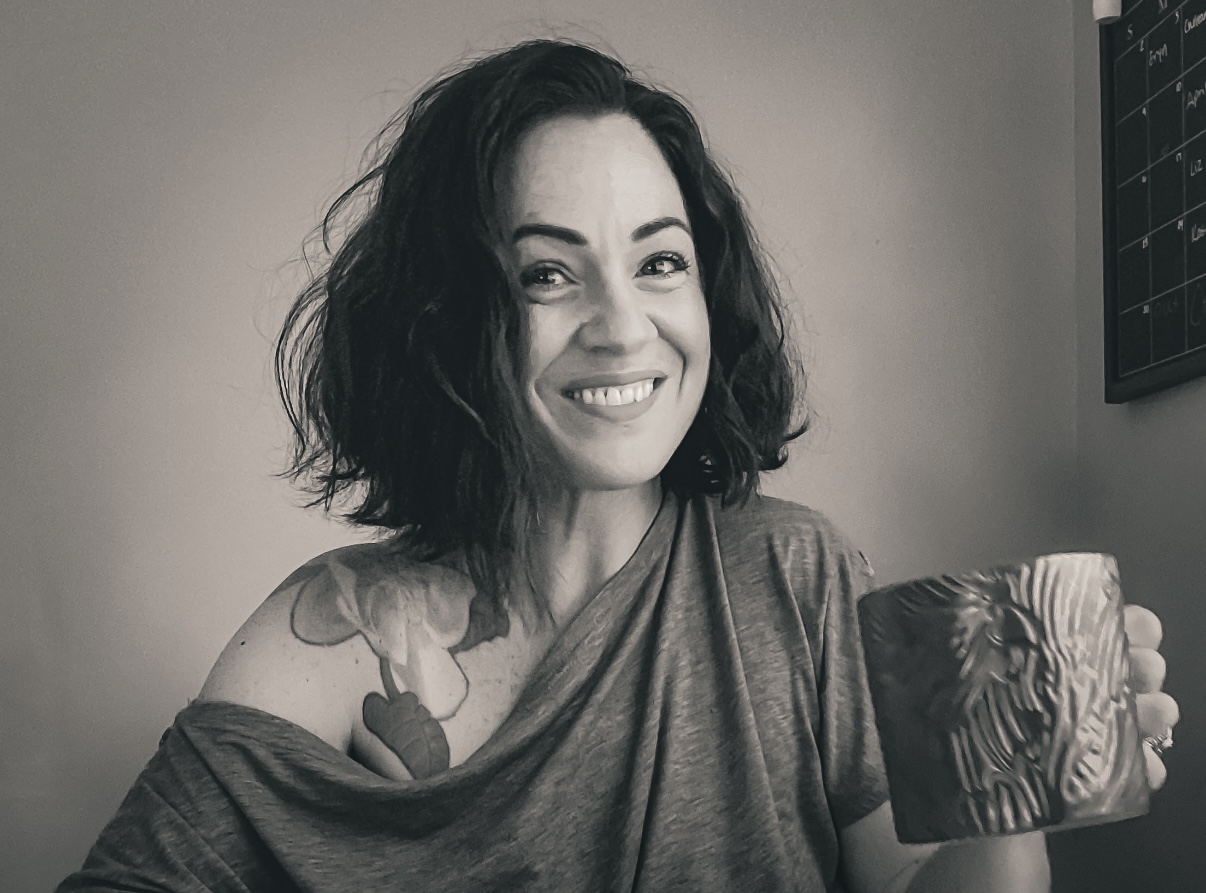
Hey, I'm Chelsea!
Wife, mom of two, full-time photo editor. Editing isn't a hobby or a side gig. It's my full-time job.
My first year in business I edited 47 weddings. My kids left for school, my work day started, then what seemed like 2 hours later, they came barreling back through the door. We'd have a normal family dinner and bath time routine, and then I went right back to editing after bedtime. I was in over my head and pretending I wasn't. Can we say unsustainable?!
My actual wake-up call was my husband quietly taking the kids to the park on weekends just so I could catch up. That's not what I signed up for when starting my business, and it was the exact moment I decided my business was going to fit inside my life, not the other way around.
So I got intentional about every single move in Lightroom. Which features work together, in what order, and why. I went from 47 weddings to 305 weddings edited last year, and I haven't touched a gallery on a weeknight in longer than I can remember.
That's the course. It's not a secret, it's just a system, and I recorded it so you don't have to reverse engineer it the hard way like I did.
How the workflow personally helped me in my business:
I've edited over 500 weddings
My first year, in 2022, I struggled to edit 47 weddings. Last year, in 2025, I edited 305!
My editing is scheduled around my family time, not the other way around. No evenings, no weekends.
The editing workflow
Taylor gained More Confidence
"Because of the prep work I have learned in this course, it has helped with my confidence in diving into the actual editing."
Ashley used to edit one image at a time
"Before The Editing Workflow, it would take me hours upon hours to edit a wedding. I literally was editing my galleries one image at a time. I’m now able to edit images faster and more efficiently."
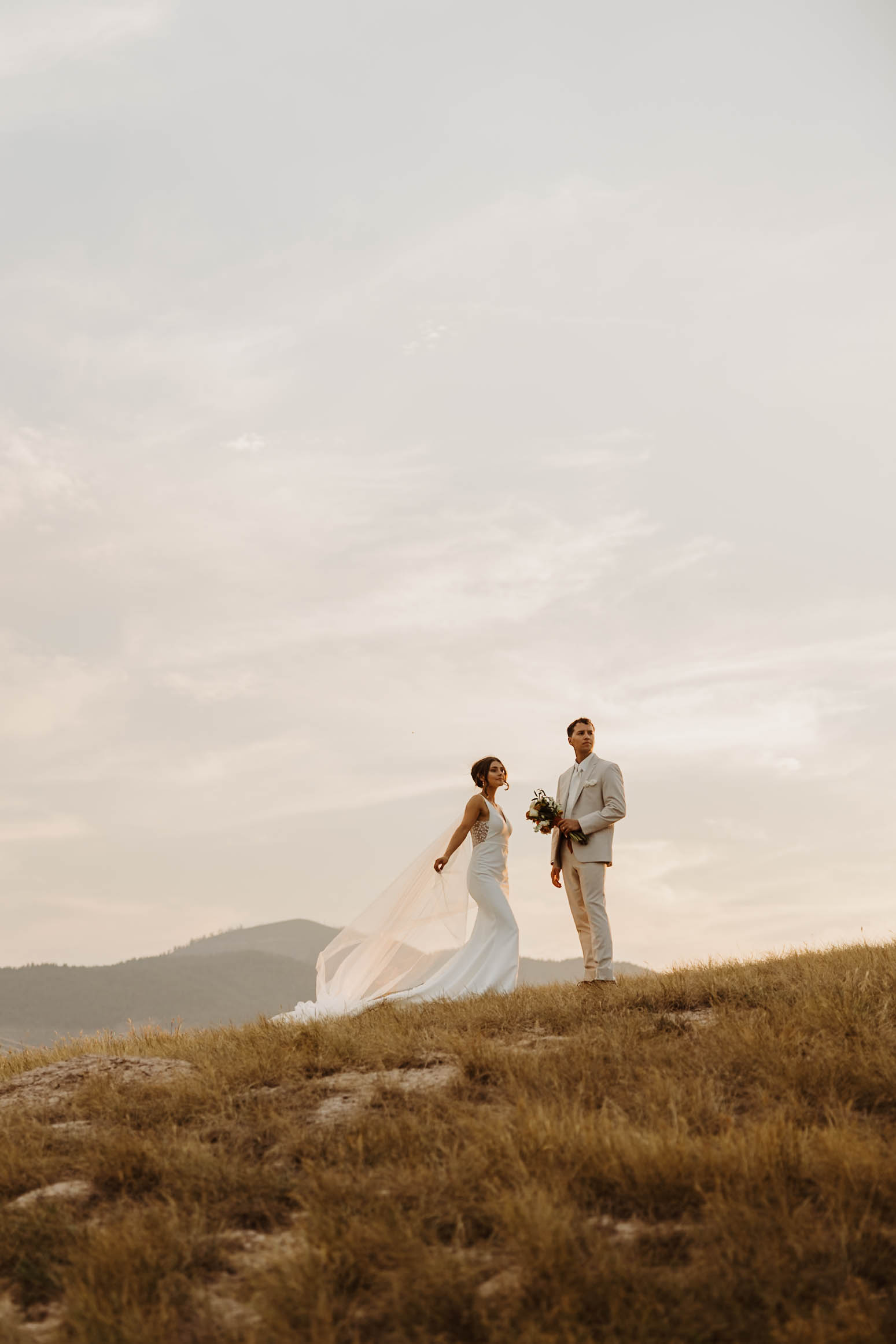
Editing is such a personal part of your business, and it's also the most time-consuming. Guessing your way through every gallery leads to inconsistency, re-editing, and time spent in Lightroom that could be spent doing literally anything else.
Self-taught photographers don't know what they don't know. That's where my training, years of experience, trial and error, and slight perfectionism are here to help.
When you started your business, you weren't handed a clear how-to guide, so I'm handing it to you now.
Numbers Don't Lie...
$197 Once. Or Thousands of Dollars Every Single Wedding Season.
Outsourcing a single wedding gallery typically runs anywhere from a few hundred dollars to over a thousand, every single time you book a wedding for editing. The Editing Workflow is $197, once, with lifetime access. You're not paying to outsource one wedding. You're paying to stop needing to.
What This Actually Gives You...
Time back. Less time in Lightroom means more time doing the part of the job you actually started this business for, quality family time, and a social life again. Remember those days?
Room to grow. The workflow scales with you, so booking more weddings doesn't mean drowning more.
Consistency you can trust. No more re-editing your own work because somewhere between detail shots and the reception, it looks like 3 different weddings.
More income without more hours. One extra wedding a month in peak season is real money. You already know the math. This is how you get the time to do it.
Frequently Asked Questions
Still on the fence? Here's everything else you're probably wondering.
Do I need Lightroom Classic, or does this work with regular Lightroom?
This course is built and taught in Lightroom Classic specifically. Lightroom and Lightroom Classic are not the same program, so you'll want Classic to follow along and have your screen match what's shown in the lessons. The good news, if you already have an Adobe subscription, Lightroom Classic is included. Just open Creative Cloud, find Lightroom Classic in your app library, and download it. It's already yours, you just might not have it installed yet.
I've been editing for years. Will I actually learn anything new?
Short answer, yes. Longer answer, most editing advice out there comes from photographers who also edit, which means editing is the thing they do after the thing they're actually trained in. This isn't that. I'm a full time professional editor, that's the whole job, and the system in this course is built from editing over 500 weddings as my actual profession, not as the part of the business that happens after the "real" work. You're not getting another photographer's opinion on editing. You're getting an editor's system.
I'm pretty new to editing. Is this too advanced for me?
If anything, newer is easier. You don't have habits to unlearn, or a backlog of inconsistent work to untangle first. You're building the system in from the start instead of barely treading water in year four, which is the harder version of this.
How is this different from just watching free YouTube tutorials?
YouTube teaches you individual moves. This teaches you the order they go in and why, which is the part that's actually hard to piece together from scattered videos made by people editing other people's weddings. This is my actual workflow, screen recorded from a real client gallery, start to finish.
Does this still matter now that AI editing tools exist?
More than ever, actually. Yes, there are tools promising to edit your entire wedding before you even get home from the reception. And in theory, that sounds amazing. In reality, AI has to learn your style, and that takes many, many galleries before it gets anywhere close. More importantly, your couples aren't paying you for an AI processed version of their wedding day. They're paying for your eye, your expertise, and the authenticity of how you saw their day. AI distorts. AI replaces elements that weren't even there. AI removes the thing that makes your work yours. And when an intimate, emotional moment gets flattened by an algorithm, that's not a deliverable, that's a liability. This workflow isn't about cutting corners. It's about being so efficient with your process that you never have to consider handing your clients' memories to a machine.
What if I buy it and don't love it?
I'm confident enough in this course that I offer a 7-day guarantee, but here's how it works. Watch the lessons. Actually sit with the workflow. If you go through the material and genuinely feel like it wasn't worth your investment, reach out within 7 days of purchase and I'll refund you. What I can't do is refund someone who never gave it a real shot, because the system works, and I know that, but it only works if you do.
And if you watch a lesson and something doesn't click, reach out. I'd rather answer your question and make sure the system lands for you than have you sit stuck on something that has a simple fix. You're not just buying a course, you're getting access to the person who built the system.
How long do I have access?
Lifetime. Watch it once, rewatch it before a busy season, come back to a specific module whenever you need a refresher. It's yours.
Why do I need to learn this, can't I just outsource?
Yes, of course you can, and for some photographers that's the right call. But outsourcing means every time you send a catalog, you'll also have to pay an invoice. And wedding invoices add up to thousands of dollars every year. Learning the system means you own it. You can still choose to outsource later if that's ever the right move for your business, but you'll be choosing it, not defaulting to it because editing feels unmanageable. This isn't outsourcing's replacement. It's the option that makes outsourcing an actual choice instead of the only way out.
You can run next wedding season the same way you ran this one, patched together and hoping November is easier on you than last time, or gain clarity and consistency in under 2 hours.
There's no perfect time to learn this. Just more galleries edited the hard way until you do.

© 2026. Chelseamullinsphotoediting LLC
All Rights Reserved.

